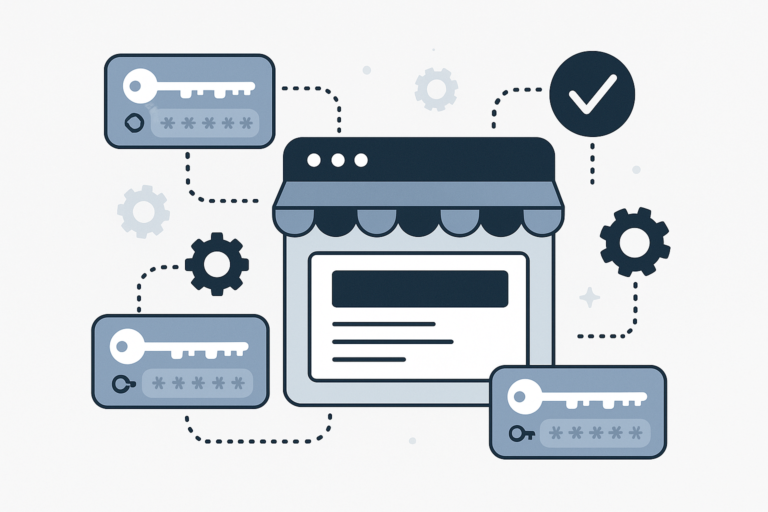
Managing software licenses effectively is crucial for any online store selling digital products. WooCommerce software license management helps you automate license generation, distribution, and validation, ensuring a smooth experience for both you and your customers. In this article, you will learn how to manage WooCommerce software licenses using the best plugins and key features to protect your software sales and improve customer satisfaction.
Why You Need Software License Management in WooCommerce
First, managing licenses manually can be time-consuming and error-prone. Moreover, without proper license control, unauthorized use or distribution of your software can occur. Therefore, implementing a license management system within WooCommerce is essential to:
- Automate license key generation and delivery
- Restrict software usage to authorized users
- Integrate with subscription billing and renewals
- Enhance customer support and compliance
Because of this, using a dedicated WooCommerce license manager plugin is the most efficient way to handle these needs.
Top WooCommerce Software License Manager Plugins
To make this easier, here are some of the best plugins that help you manage software licenses on WooCommerce:
1. WooCommerce Software Add-on
This plugin extends WooCommerce to support software licensing by generating unique license keys for each purchase. It also allows you to set license expiration dates and limits on activations. As a result, it provides basic license management features suitable for many software sellers.
2. License Manager for WooCommerce
Next, License Manager for WooCommerce offers more advanced options, such as automatic license key generation, email notifications, and license validation APIs. It also supports integration with WooCommerce Subscriptions, enabling automatic renewals and license updates.
3. WooCommerce API Manager
Moreover, WooCommerce API Manager is a powerful plugin designed specifically for API-based software license distribution. It supports secure license key validation, usage tracking, and automatic updates. This plugin is ideal for developers who want to protect their SaaS or plugin products.
Key Features to Look for in a WooCommerce License Manager
When choosing a license management plugin, consider these important features:
- Automatic License Key Generation: The plugin should generate unique keys automatically upon purchase.
- License Validation: It must validate keys during software activation to prevent unauthorized use.
- Integration with WooCommerce Subscriptions: For recurring billing and automated renewals.
- Usage Restrictions: Limit the number of activations or devices per license.
- Email Notifications: Notify customers about license expirations or renewals.
- License Revocation: Ability to deactivate or revoke licenses if needed.
In addition, seamless integration with your existing WooCommerce store and support for developer APIs can enhance your workflow.
How to Protect Your Software Sales with WooCommerce License Management
First, using a license manager plugin helps restrict software usage to valid customers only. For example, it can prevent unauthorized sharing by validating license keys during activation. Then, automating renewals through subscription integration ensures continuous revenue and reduces churn.
At the same time, you can improve customer trust by providing clear license terms and easy license management options. Therefore, investing in a robust license management solution is a key step to safeguarding your software business.
Additional Tips for Effective License Management
- Regularly Update Your Plugins: Keep your license manager plugin updated for security and new features.
- Use Secure License Validation: Employ server-side validation to prevent hacking or key generation exploits.
- Provide Customer Support: Offer easy ways for customers to manage or renew their licenses.
- Monitor License Usage: Track activations and usage patterns to detect abuse early.
For more detailed strategies, consider reading our guide on How to Manage Software Licenses in WooCommerce: Top Plugins & Features.
Frequently Asked Questions
What is a WooCommerce software license manager plugin?
A WooCommerce software license manager plugin helps online stores sell and manage software licenses by generating, distributing, and validating license keys automatically.
How can I protect my software sales with WooCommerce?
You can protect your software sales by using license manager plugins that restrict usage, validate license keys, and automate renewals to prevent unauthorized distribution.
Are there free WooCommerce software license manager plugins available?
Yes, some plugins offer free versions with basic license management features, but premium plugins typically provide advanced automation and security options.
Can I integrate license management with WooCommerce subscriptions?
Many license manager plugins support integration with WooCommerce Subscriptions to automate license renewals and manage recurring billing.
In conclusion, managing WooCommerce software licenses effectively requires choosing the right plugins and leveraging key features like automation, validation, and subscription integration. By doing so, you will protect your software sales and provide a better experience for your customers.