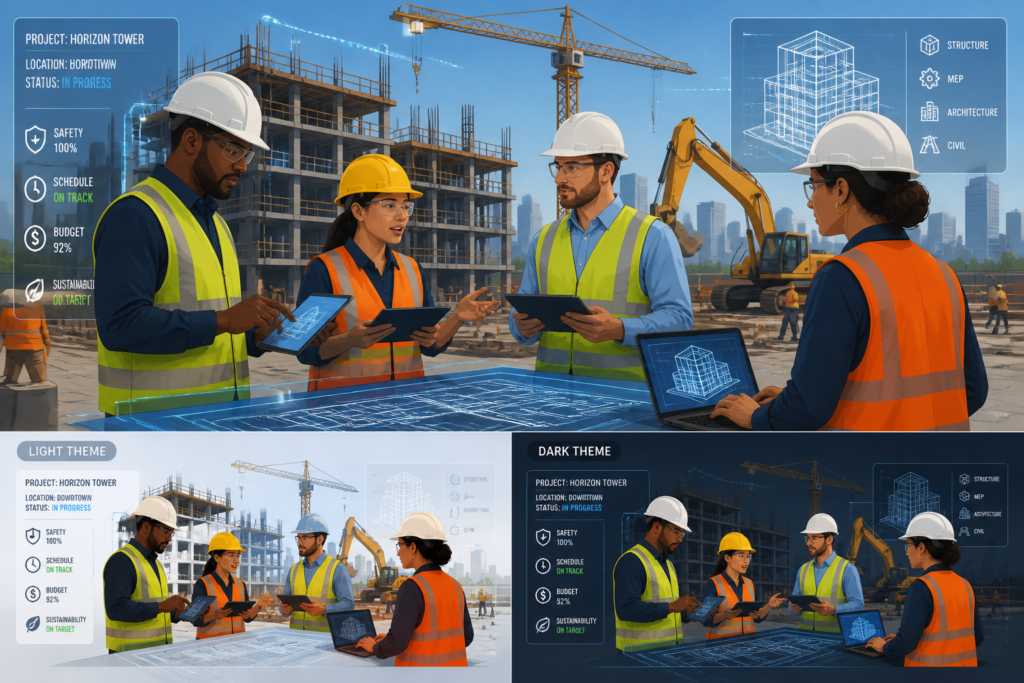
In today’s fast-paced construction industry, effective project management is essential for success. Construction professionals need robust tools to streamline workflows, enhance collaboration, and improve project efficiency. One standout solution is the Agentic Construction Theme, which is designed to meet the unique needs of contractors and construction teams.
This powerful theme not only provides a comprehensive project management solution but also integrates seamlessly with various tools and platforms. By leveraging the Agentic Construction Theme, you can take your project management to the next level, ensuring that your construction projects run smoothly from start to finish.
Why Project Management Software Matters in Construction
Construction projects often involve multiple stakeholders, tight deadlines, and substantial budgets. Therefore, having the right project management software can make a significant difference. Here are some key reasons why:
- Improved Collaboration: Project management software facilitates communication among team members, subcontractors, and clients, ensuring everyone is on the same page.
- Enhanced Tracking: With real-time tracking features, you can monitor project progress, budget, and timelines, allowing for timely adjustments when necessary.
- Centralized Documentation: All project-related documents can be stored in one place, making it easy to access and share information as needed.
Key Features of Top Project Management Software
When evaluating project management software, consider these essential features:
Stay connected through Facebook for practical updates related to this work.
- Task Scheduling: Ability to create and assign tasks with deadlines.
- Real-Time Collaboration: Tools for team communication and document sharing.
- Progress Tracking: Monitor milestones and deliverables.
- Budgeting Tools: Track expenses and manage budgets effectively.
- Integration Capabilities: Connect with other construction tools and software.
How the Agentic Construction Theme Stands Out
The Agentic Construction Theme is more than just a WordPress theme; it’s a comprehensive project management solution tailored for construction professionals. Here’s why it’s a must-have:
- All-in-One Solution: Combines project management, client communication, and operational tools in one platform.
- User-Friendly Interface: Designed for ease of use, even for those who may not be tech-savvy.
- Customizable Features: Tailor the software to fit your specific project needs.
- Affordable Pricing: Available for just $49.99, making it a cost-effective solution for contractors.
Benefits of Using the Agentic Construction Theme
Here are some real-world applications of how the Agentic Construction Theme benefits construction businesses:
- Streamlined Workflows: Automated processes reduce the likelihood of errors and delays.
- Increased Efficiency: Real-time updates keep everyone informed, minimizing miscommunication.
- Enhanced Client Satisfaction: Improved project visibility leads to better client relationships.
Who Should Use the Agentic Construction Theme?
The Agentic Construction Theme is ideal for:
- Contractors looking for a comprehensive project management solution.
- Construction teams needing better collaboration and communication tools.
- Businesses seeking to streamline their operations and improve efficiency.
However, it may not be suitable for very small projects that do not require extensive management features.
Conclusion
In conclusion, utilizing top project management software like the Agentic Construction Theme can significantly enhance your construction projects. By improving collaboration, tracking, and overall efficiency, you can ensure your projects are completed on time and within budget. Don’t wait—purchase the Agentic Construction Theme today and transform your project management process!
Practical Examples of Project Management Software in Action
To understand the impact of top project management software on construction projects, let’s explore a few practical examples:
For ongoing news and discussion, visit LinkedIn.
- Large-Scale Commercial Project: A construction firm managing a large commercial building used project management software to coordinate between various subcontractors. By utilizing real-time collaboration tools, they were able to resolve issues quickly, which resulted in a 15% reduction in project delays.
- Residential Development: A residential construction company implemented the Agentic Construction Theme to streamline communication with clients. They provided clients with access to project updates, which improved transparency and resulted in a 20% increase in client satisfaction ratings.
- Renovation Projects: A renovation contractor used project management software to manage multiple small projects simultaneously. The software’s task scheduling feature allowed them to allocate resources efficiently, leading to a 30% increase in overall productivity.
Comparing Top Project Management Software for Construction
When selecting the best project management software for your construction needs, it’s essential to compare various options. Here’s a comparison of some popular project management software solutions:
| Software |
Key Features |
Pricing |
Best For |
| Agentic Construction Theme |
All-in-one solution, customizable features, affordable pricing |
$49.99 |
Contractors and construction teams |
| Procore |
Robust reporting, mobile access, budget tracking |
Custom pricing |
Large construction firms |
| Buildertrend |
Client communication, scheduling, document storage |
Starting at $99/month |
Residential builders |
| CoConstruct |
Budgeting, scheduling, client portal |
Starting at $49/month |
Custom home builders |
Implementation Steps for Project Management Software
Implementing project management software in your construction business can seem daunting. Here are some essential steps to ensure a smooth transition:
- Assess Your Needs: Identify the specific features and tools that your team requires based on project size and complexity.
- Choose the Right Software: Based on your assessment, compare different software options and select the one that best meets your needs.
- Train Your Team: Provide comprehensive training sessions for your team to familiarize them with the new software and its features.
- Set Up the Software: Customize the software according to your project requirements, including setting up user accounts and permissions.
- Monitor and Adjust: After implementation, continuously monitor the software’s performance and gather feedback from your team to make necessary adjustments.
Decision Criteria for Selecting Project Management Software
When deciding on the best project management software for your construction projects, consider the following criteria:

Why You Need This Theme And Plugin! Click here for the Demo Agentic Construction Theme by XoBytes is…
Add to cart

AgentShield is a WordPress AI Agent Firewall that helps detect, monitor, block, and temporarily ban AI crawlers, AI…
Add to cart

Agentic Support Desk by Xobytes is an AI-powered WordPress support desk built for software sellers, WooCommerce stores, agencies,…
Add to cart

Agentic Consultant for WordPress gives your website a smart AI product rep, customer service agent, and hands-free voice…
Add to cart

Turn your WordPress site, Google Search Console data, and SEO opportunities into smarter blog posts, pages, titles, meta…
Add to cart

Protect your commercial WordPress plugins with license-based tamper detection, file integrity monitoring, automatic shutdown protection, and site reporting.…
Add to cart
Product 1 of 6
For additional authoritative context, review Get your AI blog generator here!.
- Usability: The software should have an intuitive interface that is easy for all team members to navigate.
- Scalability: Ensure the software can grow with your business and handle larger projects as your company expands.
- Integration: Look for software that can seamlessly integrate with other tools you already use, such as accounting software or CAD applications.
- Customer Support: Evaluate the level of customer support provided, including availability of training resources and technical assistance.
- Cost: Consider the pricing structure and ensure it fits within your budget while providing value for the features offered.
Practical Tips for Maximizing Project Management Software
To fully leverage the capabilities of your project management software, consider these practical tips:
You can also keep up with future resources through x.com.
Continue with Best Construction Project Management Software and WordPress Solutions for additional guidance.
- Regularly Update Project Information: Ensure that all team members are consistently updating project statuses, task completions, and budget changes. This keeps everyone informed and aligned.
- Utilize Reporting Features: Take advantage of built-in reporting tools to generate insights on project performance. Regular reports can help identify bottlenecks and areas for improvement.
- Encourage Team Collaboration: Foster a culture of communication by encouraging team members to use collaboration tools within the software. This can enhance teamwork and problem-solving.
- Set Clear Goals and Milestones: Define specific project goals and milestones within the software to track progress effectively. This helps maintain focus and accountability.
Advanced Features to Look For
When evaluating project management software, consider looking for advanced features that can further enhance your project management capabilities:
- Mobile Access: Ensure that the software offers mobile compatibility, allowing team members to access project information and updates on the go.
- Custom Reporting: Look for software that allows you to create custom reports tailored to your specific project needs, providing deeper insights into performance metrics.
- Resource Management: Advanced resource management tools help allocate labor and materials efficiently, reducing waste and optimizing productivity.
- Risk Management Tools: Features that help identify, assess, and mitigate risks can be invaluable in keeping projects on track.
Case Studies: Success Stories with Project Management Software
Here are a couple of case studies illustrating the successful implementation of project management software in construction:
- Mid-Sized Contractor: A mid-sized contractor adopted the Agentic Construction Theme to manage a series of renovation projects. By utilizing the software’s task scheduling and budgeting tools, they achieved a 25% decrease in project overruns. The contractor credited the software for improving communication and accountability among team members.
- Government Infrastructure Project: A government agency overseeing a large infrastructure project implemented project management software to coordinate with multiple contractors. The software’s real-time collaboration features helped them resolve conflicts quickly, resulting in project completion two months ahead of schedule.
Key Implementation Challenges and Solutions
Implementing project management software can come with challenges. Here are some common issues and how to address them:
- Resistance to Change: Some team members may be hesitant to adopt new technology. To combat this, provide thorough training and emphasize the benefits of the software.
- Data Migration Issues: Transferring existing project data into new software can be complex. Consider working with IT professionals or software support to ensure a smooth transition.
- Overwhelming Features: The abundance of features can be daunting for users. Start with essential functionalities and gradually introduce advanced features as users become more comfortable.
Evaluating Long-Term Value of Project Management Software
When considering project management software, it’s crucial to evaluate its long-term value:
- Return on Investment (ROI): Assess how the software can save time and reduce costs over time. Calculate potential savings from increased efficiency and fewer project delays.
- Adaptability to Future Needs: Choose software that can evolve with your business. Look for updates and new features that align with industry trends.
- Community and Support: A strong user community and responsive customer support can enhance your experience and provide valuable resources for troubleshooting and learning.
Frequently Asked Questions
Here are some common questions about project management software:
What are the key features of effective construction project management software?
Effective construction project management software includes features like task scheduling, real-time collaboration, document sharing, progress tracking, budgeting, and integration with other construction tools.
How does project management software improve construction project efficiency?
It centralizes communication, automates scheduling, provides real-time updates, and streamlines workflows, reducing delays and miscommunication, thereby increasing overall efficiency.
Can project management software integrate with other construction tools?
Yes, many solutions, including the Agentic Construction Theme, offer integrations with CAD, accounting, and other construction-specific applications to create a seamless workflow.
Is there a construction-specific project management software available?
Yes, the Agentic Construction Theme by XoBytes is designed specifically for construction and trade professionals, offering tailored project management features.