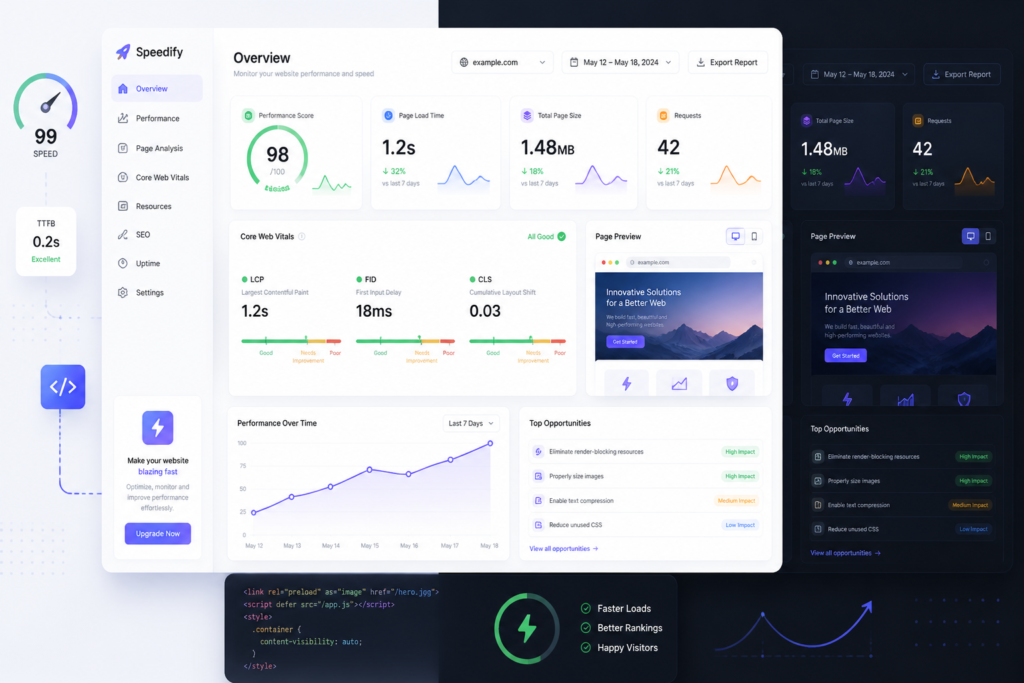
When it comes to building a successful website, one of the most critical decisions you’ll make is choosing the right WordPress theme. A well-designed theme not only enhances your website’s aesthetics but also significantly boosts its performance. This article will guide you through the process of choosing the perfect WordPress theme to enhance your website’s performance. Moreover, we will introduce the Agentic Construction Theme, a powerful option designed specifically for construction and trade businesses.
Many business owners underestimate the impact of a theme on their website’s functionality and user experience. However, selecting the right theme can lead to improved SEO, faster loading times, and better overall engagement. Therefore, understanding what to look for in a WordPress theme is crucial.
Why the Right Theme Matters
Choosing the right WordPress theme is essential because it affects your site’s loading speed, SEO, and user engagement. A theme that is not optimized can lead to slower loading times, which can frustrate users and increase bounce rates. Additionally, a well-designed theme enhances your website’s visual appeal and can improve conversion rates, making it vital for driving sales and leads.
Key Features to Look for in a WordPress Theme
To make the selection process easier, here are some key features to consider:
- Responsiveness: Ensure the theme is mobile-friendly, as a significant portion of web traffic comes from mobile devices.
- Customization Options: Look for themes that allow for easy customization to fit your brand’s identity.
- SEO Optimization: Choose a theme that is built with SEO best practices in mind.
- Speed Performance: A lightweight theme will help improve loading times.
- Plugin Compatibility: Ensure the theme works well with essential plugins, especially those that automate tasks or enhance functionality.
For example, the Agentic Construction Theme is designed with these features in mind, making it an excellent choice for construction businesses.
Stay connected through Facebook for practical updates related to this work.
Introducing the Agentic Construction Theme
The Agentic Construction Theme is more than just a standard WordPress theme; it is specifically built for construction and trade businesses. Priced at just $49.99, this theme offers a range of features that can significantly improve your website’s performance:
- Project Galleries: Showcase your work effectively with customizable project galleries.
- Lead Capture Forms: Easily integrate lead capture forms to enhance your client engagement.
- Service Showcase: Highlight your services in a way that is visually appealing and informative.
- SEO-Friendly: Built with SEO best practices to help you rank better in search results.
Because of this, the Agentic Construction Theme is ideal for contractors, builders, and other trade professionals looking to establish a professional online presence. It is not, however, suitable for users seeking a highly generic or overly complex theme.
How to Customize Your WordPress Theme
Once you have chosen a theme, customizing it to fit your brand is essential. Here are some tips:
- Use Your Branding: Incorporate your logo, colors, and fonts.
- Customize Layouts: Adjust layouts to improve user experience and navigation.
- Integrate Essential Plugins: Enhance functionality with plugins that suit your business needs.
For further guidance on customization, check out our post on building custom WordPress plugins.
Conclusion: Make the Right Choice
In conclusion, choosing the perfect WordPress theme is crucial for enhancing your website’s performance. The right theme not only improves aesthetics but also boosts functionality and user engagement. Therefore, consider the features discussed in this article when making your selection.
To explore a theme that meets all these criteria, check out the Agentic Construction Theme. This theme is designed to help you elevate your construction business online.
For ongoing news and discussion, visit LinkedIn.
Understanding Theme Frameworks
When choosing a WordPress theme, it’s important to understand the underlying framework. A theme framework is a set of code that provides a foundation for your theme. Popular frameworks like Genesis or Elementor offer robust options for customization and performance. Here are some advantages of using a theme framework:
- Flexibility: Frameworks allow for extensive customization without needing to code from scratch.
- SEO-Friendly: Many frameworks come with built-in SEO features that can help improve your site’s ranking.
- Support & Updates: Frameworks typically receive regular updates to enhance security and performance.
Performance Testing Tools
After selecting a theme, it’s crucial to test its performance. Several tools can help you analyze your website’s speed and responsiveness:
- Google PageSpeed Insights: This tool provides insights into how well your site performs on mobile and desktop and offers suggestions for improvement.
- GTmetrix: GTmetrix allows you to analyze your site’s speed and provides a detailed report on performance metrics.
- Pingdom: This tool helps you monitor your site’s uptime and performance over time, giving you a clear picture of how well your theme is functioning.
Comparing Free vs. Premium Themes
When selecting a WordPress theme, you may face the decision between free and premium options. Here’s a comparison to help you decide:

Why You Need This Theme And Plugin! Click here for the Demo Agentic Construction Theme by XoBytes is…
Add to cart

Turn your WordPress site, Google Search Console data, and SEO opportunities into smarter blog posts, pages, titles, meta…
Add to cart

Protect your commercial WordPress plugins with license-based tamper detection, file integrity monitoring, automatic shutdown protection, and site reporting.…
Add to cart

Agentic Support Desk by Xobytes is an AI-powered WordPress support desk built for software sellers, WooCommerce stores, agencies,…
Add to cart

Plugin Update Server by XoBytes lets WordPress plugin sellers deliver private plugin updates directly to customer dashboards. Upload…
Add to cart

Xobytes Social Autopilot is a WordPress social media autoposter that helps schedule and promote posts, pages, WooCommerce products,…
Add to cart
Product 1 of 6
- Cost: Free themes are budget-friendly but often come with limited features. Premium themes may require an upfront investment but usually offer more functionality and support.
- Customization: Premium themes typically provide more customization options, allowing you to create a unique look for your site.
- Support: With premium themes, you often receive dedicated support from developers, which can be invaluable if you encounter issues.
- Updates: Premium themes generally receive regular updates, ensuring compatibility with the latest WordPress versions and security patches.
Essential Plugins for Enhanced Functionality
To maximize your WordPress theme’s potential, consider integrating essential plugins that complement its features. Here are some must-have plugins:
For additional authoritative context, review Get your AI blog generator here!.
- Yoast SEO: This plugin helps optimize your site’s content for search engines, ensuring you follow best practices.
- WPForms: A user-friendly drag-and-drop form builder that allows you to create lead capture forms easily.
- WP Super Cache: This caching plugin improves loading times by serving static HTML files to users instead of processing PHP scripts.
- Elementor: A powerful page builder that allows you to create custom layouts and designs without coding knowledge.
Tips for Maintaining Theme Performance
Once you’ve selected and customized your theme, maintaining its performance is crucial. Here are some tips:
- Regular Updates: Keep your theme and plugins updated to ensure compatibility and security.
- Optimize Images: Use image optimization plugins to reduce file sizes without sacrificing quality, improving loading times.
- Minimize Plugins: Limit the number of plugins you use to avoid slowing down your site. Choose multifunctional plugins when possible.
- Monitor Performance: Regularly test your site’s speed and performance to identify areas for improvement.
Understanding Theme Compatibility
When choosing a WordPress theme, it’s essential to consider its compatibility with various plugins and third-party tools. A theme that integrates seamlessly with popular plugins can greatly enhance your site’s functionality. Here are some compatibility factors to keep in mind:
You can also keep up with future resources through x.com.
Continue with Generate More Construction Leads: Essential Tools and WordPress Themes for additional guidance.
- Page Builders: Ensure your theme works well with page builders like Elementor or Beaver Builder, allowing for easy drag-and-drop customization.
- eCommerce Plugins: If you plan to sell products, verify compatibility with WooCommerce or Easy Digital Downloads.
- Membership and Subscription Plugins: Check that the theme supports plugins like MemberPress or Restrict Content Pro if you intend to create a membership site.
Choosing the Right Color Scheme
The color scheme of your WordPress theme can significantly affect user experience and brand perception. Here are some tips for selecting the right colors:
- Understand Color Psychology: Different colors evoke different emotions. For instance, blue often conveys trust, while red can evoke urgency.
- Limit Your Palette: Stick to 2-3 primary colors and a few accent colors to maintain a clean and professional look.
- Test Readability: Ensure that text is easily readable against the background color. High contrast between text and background improves accessibility.
Evaluating Theme Support and Documentation
Good support and comprehensive documentation are crucial when selecting a WordPress theme. Here’s what to look for:
- Support Channels: Check if the theme developer offers support through forums, live chat, or email.
- Documentation Quality: Review the documentation provided with the theme. It should include installation guides, customization tips, and troubleshooting steps.
- Community Feedback: Look for reviews and testimonials from other users to gauge the reliability of the theme’s support.
Testing Your Theme Before Launch
Before fully launching your website with the new theme, it’s important to conduct thorough testing. Here are steps to ensure everything is functioning correctly:
- Cross-Browser Testing: Check how your site appears on different browsers (Chrome, Firefox, Safari) to ensure consistency.
- Mobile Responsiveness: Use tools like BrowserStack to test your site on various mobile devices and screen sizes.
- Functionality Testing: Verify that all forms, buttons, and interactive elements work correctly.
Future-Proofing Your WordPress Theme
Choosing a theme that can adapt to future needs is vital for long-term success. Consider the following:
- Regular Updates: Opt for themes that receive frequent updates to stay compatible with the latest version of WordPress and security patches.
- Scalability: Ensure the theme can handle increased traffic and additional features as your business grows.
- Customizability: A theme that allows for easy modifications will enable you to adapt your site without needing a complete overhaul.
Frequently Asked Questions
Here are some common questions regarding WordPress themes:
- What should I consider when choosing a WordPress theme for my construction business? Focus on industry-specific features, customization options, responsiveness, SEO-friendliness, and compatibility with essential plugins like automation tools and lead capture forms.
- Can WordPress themes improve my website’s SEO? Yes, well-coded themes with clean HTML, fast loading times, and responsive design can significantly enhance your SEO efforts. Pairing themes with SEO plugins like the AI SEO Data & Automatic Blog Writer can further optimize your content.
- How do industry-specific themes like Agentic Construction support my business? They are designed with features tailored for construction and trade businesses, such as project galleries, lead capture forms, and service showcase sections, making it easier to build a professional and functional website.
Can WordPress themes improve my websiteu2019s SEO?
Yes, well-coded themes with clean HTML, fast loading times, and responsive design can significantly enhance your SEO efforts. Pairing themes with SEO plugins like the AI SEO Data & Automatic Blog Writer can further optimize your content.