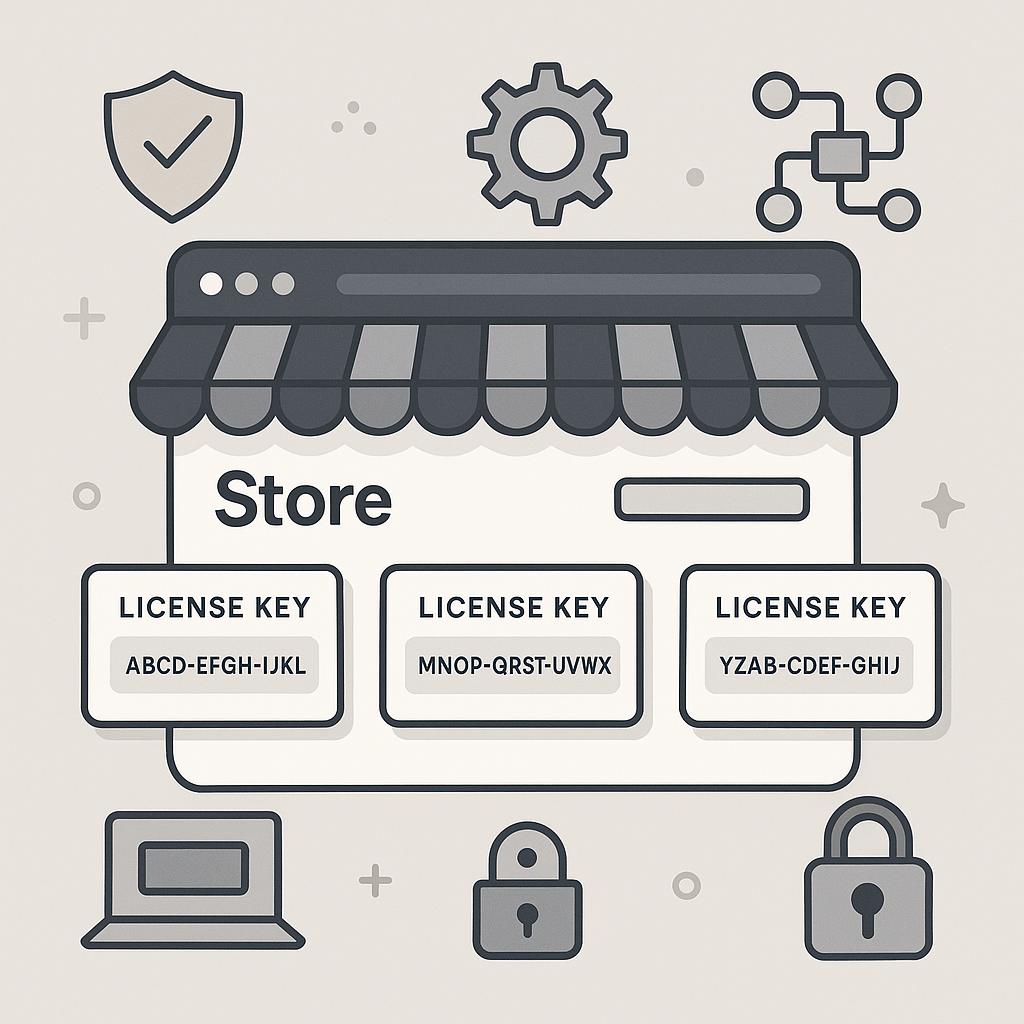
Managing software licenses is essential for any business selling digital products on WooCommerce. However, not every store owner knows which software license manager plugin to choose or how to implement one effectively. In this complete guide, you’ll learn what WooCommerce software license manager plugins are, why they matter, and how to select, install, and use them to protect your software sales and automate your workflow.
What Is a WooCommerce Software License Manager Plugin?
A WooCommerce software license manager plugin is a specialized tool that integrates with your WooCommerce store. Its main function is to generate, distribute, and manage license keys for digital products such as software, plugins, themes, or templates.
Because digital products can be easily copied or shared, a license manager adds a layer of security. For example, it ensures that only paying customers receive valid license keys, and it helps you enforce activation limits or subscription terms.
Why Use a License Manager for WooCommerce?
First, protecting your intellectual property is crucial. Without a license manager, your software could be distributed without control, reducing your revenue.
Moreover, a license manager plugin automates license delivery and management. This streamlines the customer experience and saves you time on support. In addition, it provides valuable tools for handling renewals, upgrades, and activations.
- Automated license key generation: No manual intervention needed.
- Activation management: Set limits on how many times a license can be used.
- Easy renewals and upgrades: Customers can manage their licenses directly.
- Reduced piracy risk: Only licensed users can access updates and support.
Key Features to Look for in a WooCommerce License Manager Plugin
To help you make an informed decision, consider the following features when evaluating plugins:
- License key generation: Does the plugin automatically create unique keys for each sale?
- Activation limits: Can you restrict the number of sites or devices per license?
- License renewal and expiration: Are there options for expiring or renewing licenses?
- API integration: Can your software automatically validate licenses via an API?
- Email automation: Does it send license keys and renewal reminders to customers?
- Reporting: Are there dashboards or reports for license usage and sales?
- Compatibility: Is the plugin compatible with your WooCommerce version and other extensions?
Therefore, always match these features to your business model and customer needs.
Popular WooCommerce Software License Manager Plugins
While there are several plugins available, not all offer the same capabilities. For example, some focus on simple key delivery, while others provide advanced automation and developer APIs.
Below, we’ll look at some widely-used options and what sets them apart.
Xobytes License Manager for WooCommerce
The Xobytes License Manager for WooCommerce is designed specifically for selling software, plugins, themes, and other digital tools. It stands out for its ease of use and robust security features.
- Quick setup: Install and configure in minutes.
- Powerful automation: Automatically generates and delivers license keys.
- Activation control: Set and enforce activation limits per user or product.
- Developer-friendly API: Integrate license checks into your software.
In addition, Xobytes provides detailed guides on installation and usage, making it accessible even for non-technical users.
Other Leading Plugins
Meanwhile, other popular plugins in the market include:
- WooCommerce Software Add-on: Offers basic license key generation and delivery.
- License Manager for WooCommerce: A plugin with customizable key generation and activation tracking.
- Software License Manager: Focuses on API-driven license validation for developers.
However, while these plugins offer useful features, always verify compatibility with your WooCommerce setup before making a choice.
How to Choose the Right License Manager Plugin
Choosing the right plugin depends on your specific needs. For example, if you sell multiple software products with different activation rules, you’ll want a plugin with flexible configuration options.
- Assess your product types: Are you selling standalone software, SaaS, or digital downloads?
- Consider your customer base: Do you serve individuals, agencies, or enterprise clients?
- Evaluate support and documentation: Is there help available if you get stuck?
- Review integration needs: Do you need an API for remote license checks?
Because of this, taking the time to map your requirements will help you avoid costly mistakes later.
Step-by-Step: Installing a WooCommerce License Manager Plugin
To make this process easier, let’s walk through the general steps of installing a license manager plugin:
- Backup your site: Always create a backup before adding new plugins.
- Purchase and download the plugin: Get the plugin from a reputable source.
- Install the plugin: Go to Plugins > Add New in your WordPress dashboard.
- Activate the plugin: Click “Activate” after installation.
- Configure settings: Follow the plugin’s setup wizard or documentation.
- Test a purchase: Place a test order to ensure license keys are generated and delivered correctly.
For detailed instructions, see the How to Install the License Manager for WooCommerce guide.
How to Use a WooCommerce License Manager Plugin
Once your plugin is installed, you’ll want to set up your products and license rules. Typically, this involves:
- Adding license-enabled products in WooCommerce.
- Configuring license generation rules (key format, expiration, etc.).
- Setting activation or usage limits per license.
- Connecting your software to the plugin’s API for automatic validation.
In other words, you gain full control over how licenses are issued and enforced. For a complete walkthrough, visit How to Use the License Manager for WooCommerce.
Best Practices for License Management
Because license management can affect both revenue and customer satisfaction, it’s important to follow best practices:
- Communicate license terms clearly: Let customers know about activation limits and renewal policies before they buy.
- Automate renewals: Use email reminders and easy payment options to encourage renewals.
- Monitor license usage: Regularly review reports for suspicious activity.
- Offer self-service tools: Allow customers to view and manage their licenses in their account dashboard.
- Stay updated: Keep your plugin and WooCommerce up to date for security and compatibility.
At the same time, balancing security and customer convenience is key to a successful licensing strategy.
Common Challenges and How to Overcome Them
Even with the best plugins, you may encounter challenges. Here’s how to address some of the most common ones:
- License delivery issues: If keys aren’t delivered, check your email settings and plugin configuration.
- Activation errors: Ensure your activation limits and API connections are set up correctly.
- Customer confusion: Provide clear documentation and FAQs on how to use and renew licenses.
Moreover, having a reliable support channel can help resolve issues quickly and keep customers happy.
FAQs About WooCommerce Software License Manager Plugins
- Can I sell multiple license types? Yes, most plugins allow you to create different license tiers or durations.
- Is recurring billing supported? Many license manager plugins integrate with WooCommerce Subscriptions for recurring payments.
- What happens if a customer loses their license key? Customers can usually retrieve their keys from their account or contact support for help.
- Can I migrate from another system? Some plugins offer import tools or migration guides.
For specific plugin features, always check the official documentation or support forums.
Conclusion: Secure and Automate Your Software Sales
To sum up, choosing the right WooCommerce software license manager plugin is essential for protecting your products, automating workflows, and delivering a seamless customer experience. By following the steps and best practices in this guide, you can confidently manage licenses for your digital products.
For further help, check out the installation guide and the user guide for Xobytes License Manager for WooCommerce.
Start securing your WooCommerce software sales today with the right license management tools.
Leave a Reply