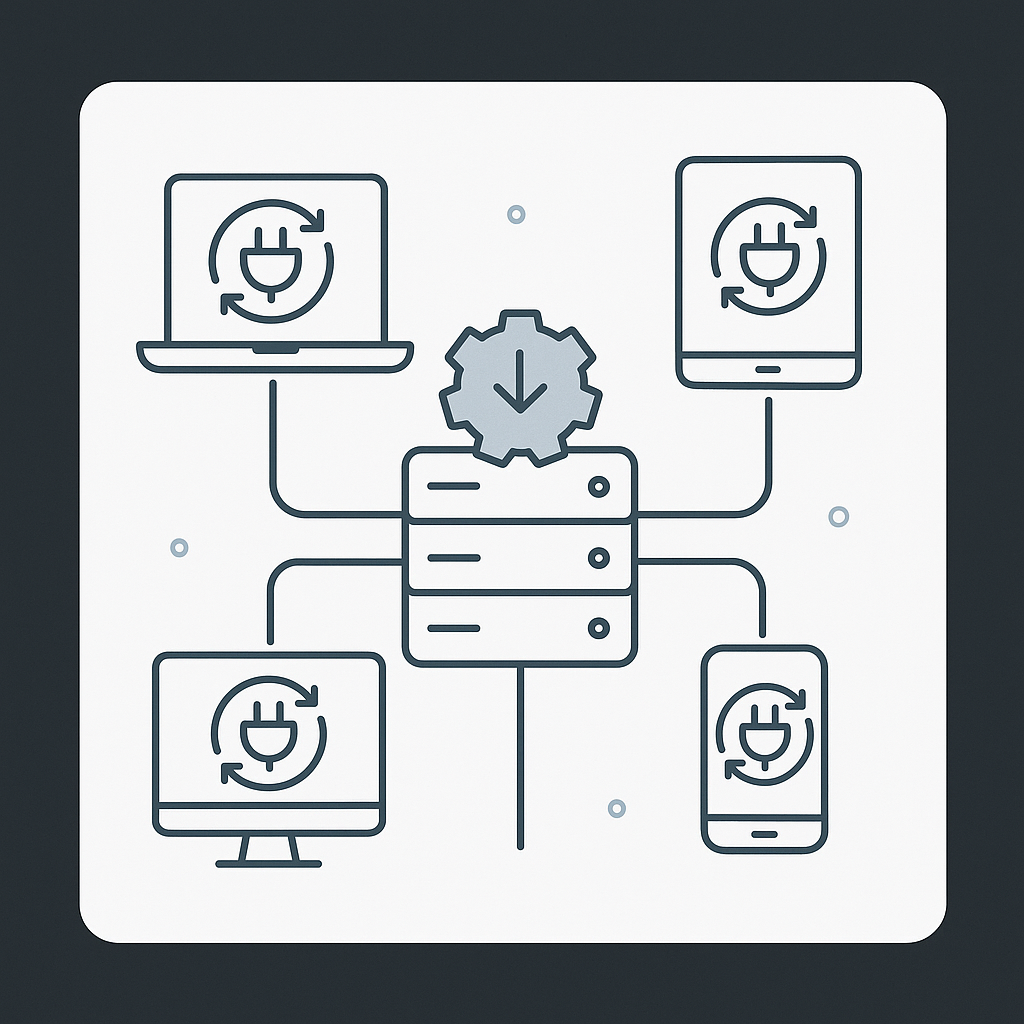
Keeping your software plugins updated is crucial for security, performance, and compatibility. However, managing plugin updates manually can be time-consuming and error-prone. Using a plugin update server streamlines this process by centralizing update management and automating notifications. In this article, we explain what a plugin update server is, how to set it up, and how to use it effectively to ensure your plugins stay current.
What Is a Plugin Update Server?
Simply put, a plugin update server is a system that manages and delivers updates for software plugins. It hosts update files and communicates with plugins installed on users’ devices or websites. As a result, users receive notifications about new versions and can easily download or install updates without manual intervention.
This setup is especially important for developers who distribute plugins outside official marketplaces or want full control over update distribution. Moreover, it helps maintain security by ensuring users get timely patches for vulnerabilities.
Why Is Using a Plugin Update Server Important?
First, using a plugin update server ensures your plugins remain current with the latest features and security fixes. Moreover, it improves compatibility with the host software or platform, reducing the risk of errors or crashes. At the same time, automated updates enhance user experience by minimizing downtime and manual effort.
Furthermore, a dedicated update server allows developers to track update adoption rates and manage multiple plugin versions efficiently. Therefore, it becomes easier to support legacy versions while encouraging users to upgrade.
How to Set Up the Plugin Update Server
Setting up a plugin update server involves a few key steps. First, you need a server environment capable of hosting update files and responding to update requests from plugins. This can be a web server with PHP, Node.js, or another backend technology.
Next, prepare your plugin update package, including the new version files and metadata such as version number, changelog, and download URL. This metadata is usually provided in a JSON or XML format that the plugin can parse.
Then, implement an API or endpoint on your server that plugins can query to check for available updates. This endpoint should respond with the metadata about the latest plugin version when requested.
For example, WordPress plugin developers often use a custom update checker library that queries a remote server URL to compare versions and trigger update prompts.
Finally, integrate update-checking code within your plugin. This code periodically contacts the update server endpoint to verify if a newer version exists. If so, it notifies the user or automatically downloads and installs the update based on configuration.
To make this easier, several open-source libraries and frameworks are available that handle much of the communication and update logic.
Using the Plugin Update Server Effectively
Once your update server is set up, managing plugin updates becomes more straightforward. Meanwhile, you should maintain clear versioning and changelogs to keep users informed about new features or fixes.
Also, consider implementing automated notifications or emails to alert users when critical updates are available. Because of this, users are more likely to upgrade promptly, reducing security risks.
Moreover, testing updates thoroughly before release ensures stability and prevents introducing bugs through updates. In other words, quality control remains vital even with automated update systems.
If your plugin supports multiple platforms or versions, configure your update server to deliver the correct update package based on the user’s environment. This targeted delivery enhances compatibility and user satisfaction.
Automating Plugin Updates
Yes, you can automate plugin updates using the update server. Once properly configured, your plugin can check for updates regularly and apply them without user intervention. This automation reduces manual maintenance and ensures all users run the latest, most secure versions.
However, it’s best practice to allow users to opt in or out of automatic updates, especially for major version changes that might affect functionality. At the same time, logging update activity helps diagnose issues and track deployment success.
Additional Tips for Plugin Update Server Management
- Secure your update server: Use HTTPS and authentication if needed to prevent unauthorized access or tampering.
- Optimize server performance: Ensure your server can handle multiple update requests simultaneously without delays.
- Backup update files: Keep backups of all plugin versions in case rollback is necessary.
- Monitor user feedback: Collect data on update success rates and any issues reported by users.
Related Resources
For businesses looking to expand their software capabilities, consider exploring XoBytes: Custom Software Solutions Tailored for Your Business to get expert help in custom development. In addition, you might find value in learning about Comprehensive Software Solutions for Business Growth to understand how software can accelerate your success.
Frequently Asked Questions
What is a plugin update server?
A plugin update server is a system that manages and delivers updates for software plugins, ensuring users have the latest features and security patches.
How do I set up the plugin update server?
Setting up the plugin update server involves configuring your server environment to host plugin update files and integrating update-checking code within your plugin.
Why is using a plugin update server important?
Using a plugin update server ensures your plugins remain current, secure, and compatible with the latest software versions, improving user experience.
Can I automate plugin updates using the update server?
Yes, once properly configured, the plugin update server can automate update notifications and installations, reducing manual maintenance.
Leave a Reply