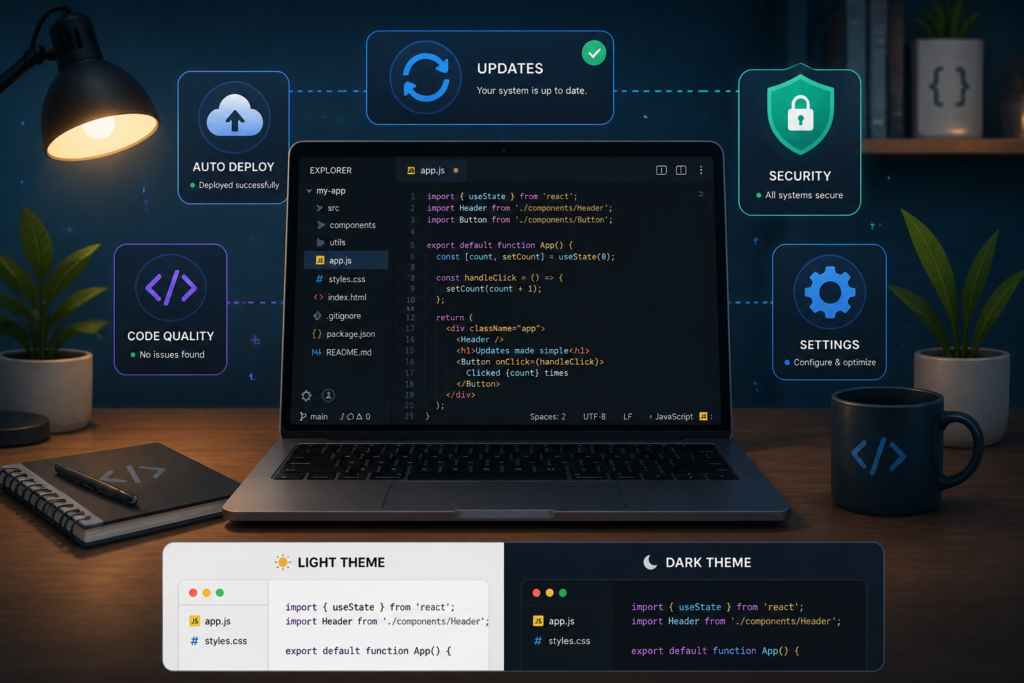
Keeping your WordPress plugins up-to-date is crucial for maintaining security, performance, and functionality. However, managing these updates can be a daunting task, especially for developers and digital product sellers. Fortunately, the Plugin Update Server by XoBytes simplifies this process immensely. This powerful tool allows WordPress plugin sellers to deliver private plugin updates directly to customer dashboards, ensuring a seamless experience for both developers and users.
In this comprehensive tutorial, you will learn how to master WordPress plugin updates using the XoBytes Plugin Update Server. We will cover everything from setup to best practices, helping you streamline your plugin management and enhance security. Whether you’re a seasoned developer or just starting, this guide will provide you with the knowledge you need to effectively manage your plugin updates.
Why Use a Custom Plugin Update Server?
Many developers rely on the default WordPress update system, but this can lead to several challenges, including:
- Limited control over update delivery
- Lack of security for premium or proprietary plugins
- Inability to enforce license management
By using a custom plugin update server, you can overcome these challenges. A custom server offers increased security, faster delivery, and the ability to manage licenses effectively. This is especially beneficial for developers who sell premium plugins or manage multiple client sites.
Setting Up the XoBytes Plugin Update Server
To get started with the XoBytes Plugin Update Server, follow these steps:
- Purchase the Plugin Update Server: Visit the XoBytes shop and purchase the Plugin Update Server for just $25.00.
- Install the Plugin: After purchasing, download the plugin zip file and upload it to your WordPress site.
- Activate the Plugin: Once uploaded, activate the Plugin Update Server from the plugins menu.
- Configure Settings: Navigate to the plugin settings to configure your update server. Here, you can set up your license management and product mapping options.
- Upload Your Plugins: Use the server to upload your plugin release ZIP files. This will allow you to manage updates efficiently.
- Test the Update Process: Ensure everything is working smoothly by testing the update process on your site.
By following these steps, you can set up your own private plugin update server, enhancing the security and efficiency of your plugin management.
Benefits of Using XoBytes Plugin Update Server
The XoBytes Plugin Update Server offers several key benefits:
- Secure Delivery: Bypass the public WordPress repository for secure, private updates.
- License Management: Activate and manage licenses for your plugins easily, ensuring compliance and security.
- Streamlined Updates: Deliver updates directly to customer dashboards, improving user experience.
- Customizable Settings: Tailor the server settings to fit your specific needs and preferences.
This plugin is perfect for developers who sell plugins through WooCommerce or manage multiple client sites. However, it may not be necessary for those who only use free plugins or do not require license management.
For a practical companion to this section, explore Mastering WordPress Plugin Updates: A Complete Tutorial.
Best Practices for Managing Plugin Updates
To ensure smooth and secure plugin updates, consider the following best practices:
- Regularly Check for Updates: Stay informed about new releases and security patches.
- Test Updates in a Staging Environment: Before updating on live sites, test updates in a staging environment to avoid potential conflicts.
- Backup Your Site: Always create backups before making significant changes, including updates.
- Educate Your Users: Provide clear instructions for users on how to update plugins and manage licenses.
Implementing these practices will help you maintain a secure and efficient plugin update process.
Understanding the Importance of Regular Plugin Updates
Regularly updating your WordPress plugins is not just about accessing new features; it plays a vital role in maintaining the overall health of your website. Here are some reasons why:
Related XoBytes Products
Plugin Update Server for WordPress by XoBytes.com
$25.00
Plugin Update Server by XoBytes lets WordPress plugin sellers deliver private plugin updates directly to customer dashboards. Upload…

Agentic Support Desk for WordPress by XoBytes.com
$19.99
Agentic Support Desk by Xobytes is an AI-powered WordPress support desk built for software sellers, WooCommerce stores, agencies,…

Upgrades, Packages & Tiers for WooCommerce By XoBytes.com
$25.00
This is a FREEMIUM plugin. Get the free version "Upgrades, Packages & Tiers for WooCommerce By XoBytes.com" Pro…
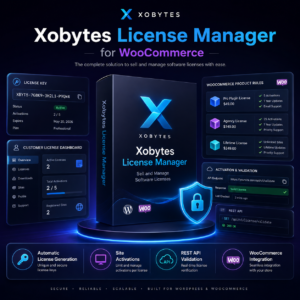
License manager for WooCommerce by XoBytes.com
$25.00
Xobytes License Manager for WooCommerce is a powerful WooCommerce license manager plugin that lets you sell software licenses,…

Social Media Autopilot With AI by XoBytes.com
$19.99
Xobytes Social Autopilot is a WordPress social media autoposter that helps schedule and promote posts, pages, WooCommerce products,…

AI SEO Data & Automatic Blog Writer for WordPress by XoBytes
$19.99
Turn your WordPress site, Google Search Console data, and SEO opportunities into smarter blog posts, pages, titles, meta…
Product 1 of 6
For additional authoritative context, review LinkedIn.
- Security Vulnerabilities: Outdated plugins can be a significant attack vector for hackers. Regular updates patch known vulnerabilities, keeping your site secure.
- Performance Improvements: Developers often optimize plugin code in updates, which can lead to faster loading times and improved site performance.
- Compatibility: As WordPress itself updates, plugins must be compatible with the latest version to function correctly. Regular updates ensure that your plugins work seamlessly with the core software.
Choosing the Right Plugins for Your Site
Not all plugins are created equal. When selecting plugins to use on your WordPress site, consider the following criteria:
- Reputation: Check reviews and ratings from other users to gauge reliability.
- Update Frequency: Look for plugins that are regularly updated by their developers, indicating ongoing support and improvements.
- Support Options: Ensure the plugin offers adequate support, whether through documentation, forums, or direct customer service.
Implementing a Staging Environment for Safe Updates
A staging environment is a clone of your live site where you can test updates without affecting your actual website. Here’s how to set one up:
Continue with Mastering Plugin Update Servers for Seamless WordPress Updates for additional XoBytes guidance.
- Choose a Staging Plugin: There are several plugins available, such as WP Staging or Duplicator, that can help you create a staging site easily.
- Clone Your Site: Use the chosen plugin to create a duplicate of your live site on a subdomain or a separate directory.
- Test Updates: Install your plugin updates in the staging environment first. Check for any issues or conflicts that arise.
- Push Changes Live: If everything works smoothly in staging, you can confidently apply the same updates to your live site.
Monitoring Plugin Performance After Updates
After updating your plugins, it’s essential to monitor your site’s performance to ensure everything is functioning correctly. Here are some tools and methods to consider:
- Performance Monitoring Tools: Use tools like Google PageSpeed Insights or GTmetrix to analyze your site’s speed and performance post-update.
- Error Logs: Check your server’s error logs for any issues that may arise after the update. This can help you identify and troubleshoot problems quickly.
- User Feedback: Encourage users to report any issues they encounter, as they may notice problems that you might miss.
Integrating Your Plugin Update Server with Other Tools
To maximize the efficiency of your plugin update server, consider integrating it with other tools you may already be using:
- WooCommerce: If you sell plugins, integrating with WooCommerce allows for automated updates and license management.
- Analytics Tools: Use tools like Google Analytics to track user engagement and update success rates, helping you refine your update strategy.
- Backup Solutions: Pair your update server with a reliable backup solution to ensure you can restore your site if an update causes issues.
Final Thoughts on Effective Plugin Management
Managing WordPress plugin updates effectively is an ongoing process that requires diligence and the right tools. By implementing best practices, utilizing a custom update server, and monitoring performance, you can ensure your site remains secure and functional. Remember, a proactive approach to plugin management will save you time and resources in the long run.
Frequently Asked Questions
Here are some common questions about the XoBytes Plugin Update Server:
What is a WordPress plugin update server?
A WordPress plugin update server is a private system that delivers plugin updates directly to users, bypassing the official WordPress repository.
How does the Plugin Update Server by XoBytes work?
It allows plugin sellers to upload release ZIP files, activate licenses, and deliver private updates directly to customer dashboards.
Can I use this setup for WooCommerce digital products?
Yes, integrating the Plugin Update Server with WooCommerce ensures secure, automated updates for your digital products.
What are the benefits of a custom update server over the default WordPress update system?
A custom update server offers increased security, license enforcement, and control over plugin updates, especially for premium plugins.
Conclusion
Mastering WordPress plugin updates is crucial for maintaining the security and functionality of your site. By utilizing the XoBytes Plugin Update Server, you can streamline the update process, enhance security, and improve user satisfaction. Don’t hesitate to purchase the Plugin Update Server today and take control of your plugin updates!
Leave a Reply